
Key Benefits
Automatically pull patients from Nookal schedule into Heidi sessions by date
Transcribe your patient visits to create tailored clinical documentation in Heidi.
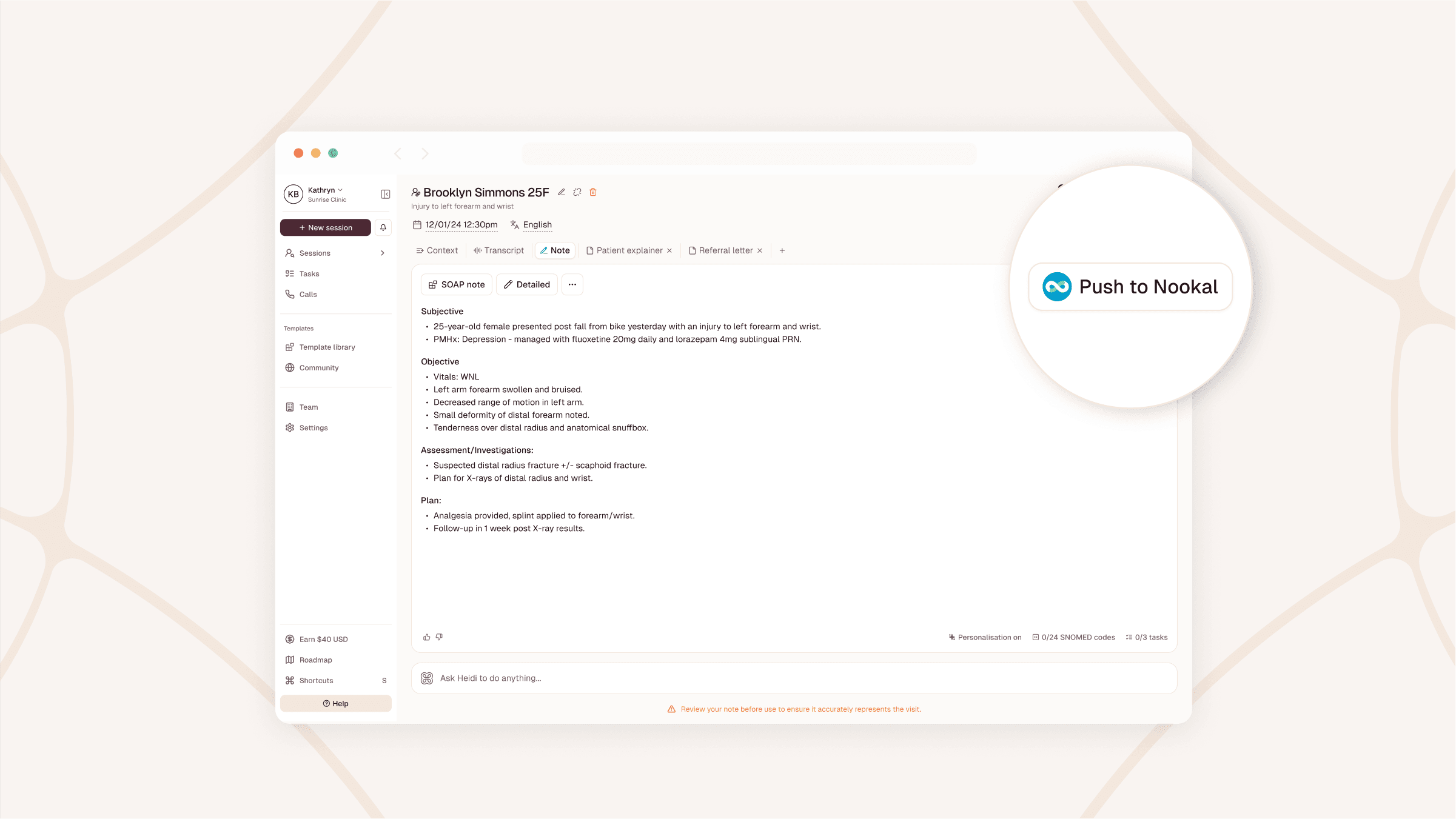
Push clinical notes and letters back to the patient record with one click.
Automatically pull patients from Nookal schedule into Heidi sessions by date
Transcribe your patient visits to create tailored clinical documentation in Heidi.
Push clinical notes and letters back to the patient record with one click.
Dictate anywhere on your screen, capture telehealth audio straight from the call,
and skip the second login.

