
About Practice Perfect integration with Heidi
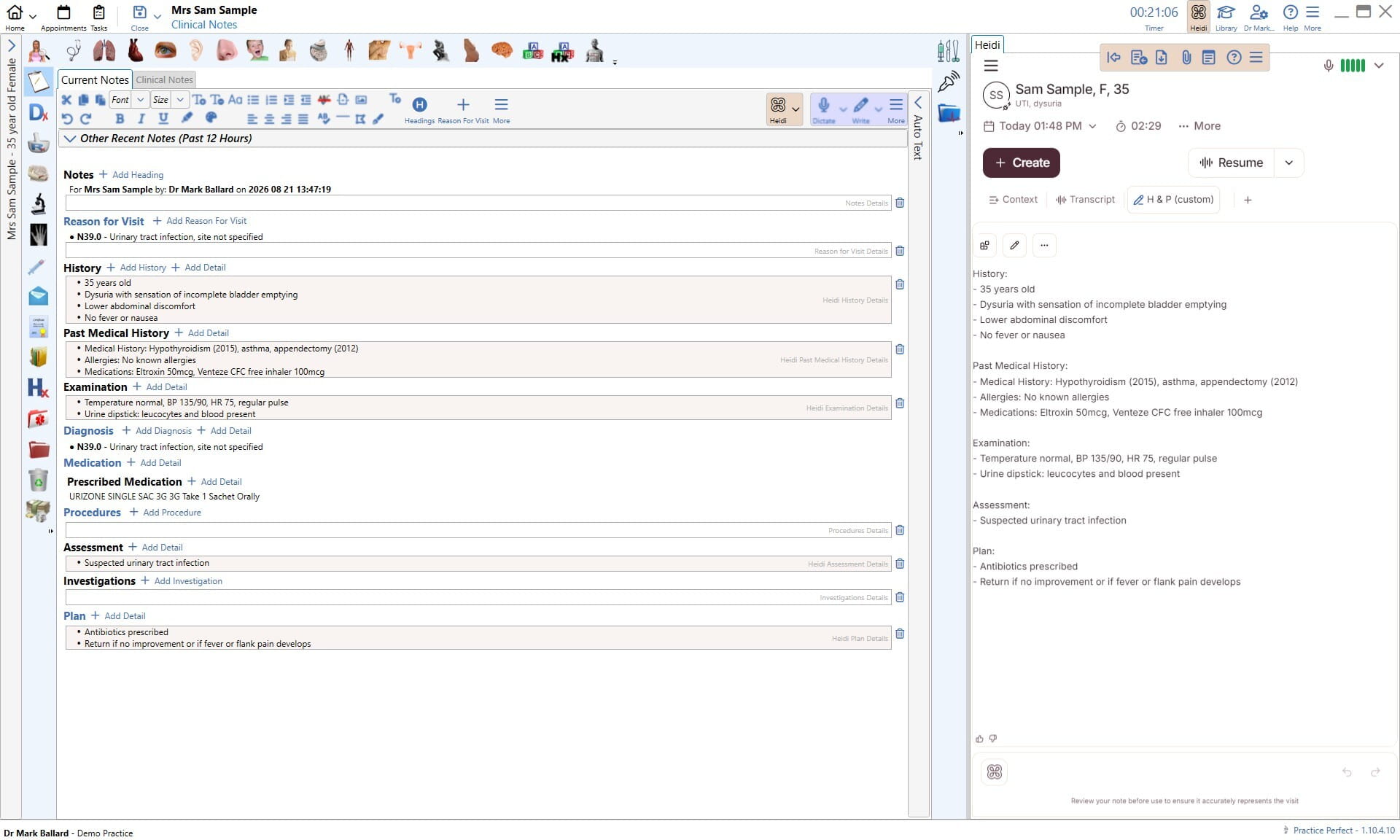
Before you start
You'll need:
A Practice Perfect system cloud hosted by Practice Perfect
An active Heidi account with EHR integration enabled
The Heidi Integration Module enabled in Practice Perfect
Step 1: Enable the Heidi Integration Module
Contact Practice Perfect Support and ask them to enable the Heidi Integration Module for your installation.
Good to know: activating the module is free.
Step 2: Link your Heidi account
Once the module is active, sign in to Heidi from within Practice Perfect.
For step-by-step instructions, see the Practice Perfect Help Centre: Getting started with Heidi.
Need help?
Questions about setup go to Practice Perfect Support.

