Learning Objectives
- Learn how to name, date, and link sessions to tailor them for specific patients.
- Store and configure data settings for automatic session deletion.
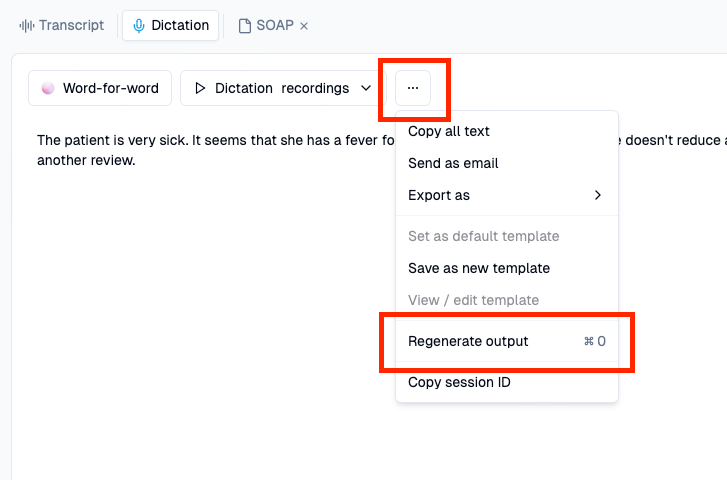
- Understand the purpose of regenerating output and how to retrieve your session URL/ID.
1. Name, date & link sessions
Heidi allows you to adjust the session details once the session is held, including:
- Changing the name and date the session.
- Linking the session to an existing patient - this will allow you to easily find all the session relevant to a particular patient.
- To link or merge multiple sessions under one patient:
1. Choose the session and click the chain icon.
2. Press the patient name if it's already there, if not +Create a new patient
3. Now the session should be renamed and when you click the > button, you should see all of the session associated to the patient by date.
2. Configure your data deletion settings
Control how frequently your sessions are deleted to manage your data securely and efficiently.
How to Configure Data Deletion:
- Go to Settings > Preferences > Automatically Delete Sessions.
- Set a schedule for automatic session deletion that suits your needs.
💡 Tips: