Heidi powers the largest AI scribe procurement in NHS history. 70,000 Clinicians. 15 NHS Trusts. 1,200+ GP Practices. Learn more.

Heidi AI
Log inGet Heidi free
alt
alt

Resources

  • Explainers

  • FAQs

  • Progress Notes

  • Podcast

  • AI Tools

Why Heidi

  • Impact

  • Awards and Recognition

  • Evaluating Heidi

  • Patient Experience

Compliance

  • Trust Center

  • GDPR

  • HIPAA

  • AU/NZ

  • UK

  • Canada

Support

  • Help Centre

  • Heidi Guides

  • System Status

  • System Requirements

  • Contact Us

Legal

  • Privacy Policy

  • Terms of Service

  • Usage Policy

  • UKGDPR Policy

  • Accessibility

  • Website Legal Information

  • Modern Slavery Statement

imxYAA

© 2026 Heidi. All rights reserved.

Heidi Desktop goes where the browser can’t.

Dictate anywhere on your screen, capture telehealth audio straight from the call,
and skip the second login.
Download for macOSDownload for Windows
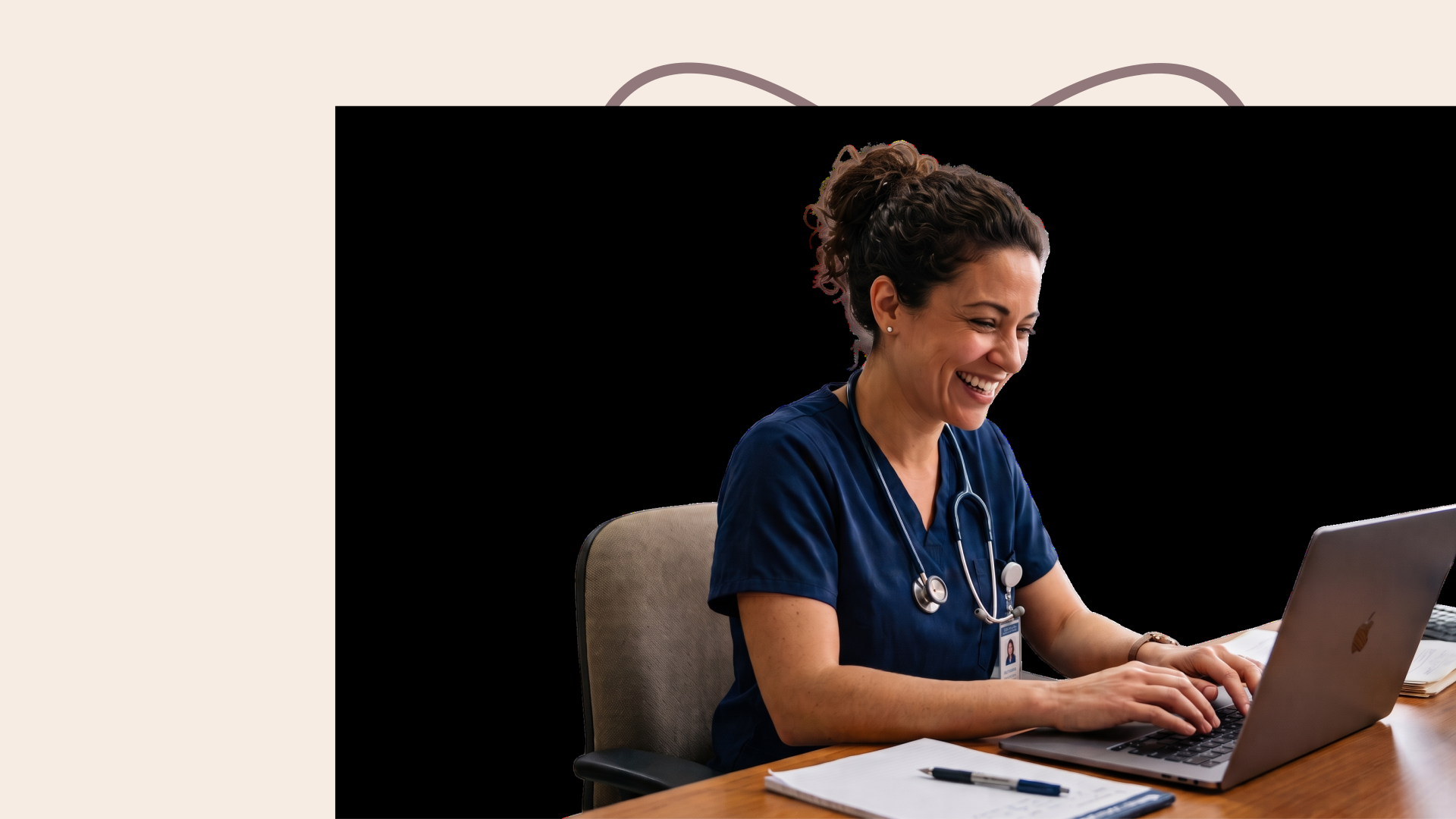
Smiling healthcare professional
Heidi Dictate

eClinicalWorks Dictation

Try Heidi Dictate with eClinicalWorks, built-in with medical terminology from medications and procedures. Accurate from the first line, as clinical terminology is already embedded into Heidi. No adjustments on your end, just speak to start documentation.

Get Heidi Desktop App →
Smiling healthcare professional

"The fact that it works across every application, not just Heidi, makes it incredibly useful. Instead of jotting notes between patients so I don't forget, I just verbalize straight into a text editor and move on. It saves so much time, and I'm already finding new places to use it: my EHR, to-do lists, emails, and messages.”

Dr. Kenneth Liu, Board-Certified Periodontist in the United States

Get Heidi Desktop App →
blurred field background image

Use your voice in eClinicalWorks with Heidi Dictate

Get Heidi Desktop App →

Different ways you can use Dictate

Dictate in eClinicalWorks fields with one shortcut key across your desktop. Use it for your patient files, messages, search boxes and anywhere that needs text.

Clinical notes

Double-press and work hands-free mode. Speak your discharge summary or procedure note in eClinicalWorks directly then stop when the note is complete without breaking your momentum.

Emails

Open Mail App or any app you use for emails, place your cursor and then hold the hotkey. Keep a clear head through the day, as Dictate replaces typing.

Messages

Directly speak handover instructions to a colleague or reminders for a patient on any app that works on mobile devices as well. Adjust your tone and structure as needed.

Same as Everywhere else

Any field, box you can type in or talk into, you can use Dictate with. Work across reporting software, forms, search bars, and everywhere the cursor can touch.

Dictation by Specialty

Whatever you specialize in, Dictate has you covered across more than 200 specialties. It's built for the way your practice actually talks, so nothing gets lost between what you say and what lands on the page.

Doctor dictating obstetric consultation notes

OB-GYN Dictation

Dictate moves with an OB-GYN day: antenatal notes, operative reports, ultrasound findings and discharge letters, written as you speak, in clinic, on the ward or wherever the note is due.

Explore OB-GYN Dictation
Veterinarian dictating notes

Veterinary Dictation

Dictate keeps up with a full vet day: patient records, treatment plans, referrals and owner updates, typed straight from your voice, wherever your cursor sits.

Explore Veterinary Dictation

eClinicalWorks Dictation FAQs

Important considerations before you begin using Heidi Dictate with eClinicalWorks

You can do that with Dictate without fuss. Over 90 different languages and clinical terminology are already native to Dictate, and you can set specific languages for input and output. No translation and setup for clinical terms needed; you get more done within your shift.

Showing 5 of 5 questions

Benefits of dictating into eClinicalWorks with Heidi

Heidi and eClinicalWorks already connect. Using Dictate is simple as it is built on the same Heidi platform. turning voice into words at the cursor, on any text field.

Get Heidi Desktop App →

No more app switching

Dictation is possible wherever your cursor is: Assessment, Treatment, or other sections in eClinicalWorks. Work smoothly across your day with one voice workflow.

Works beyond one language

Dictate is native to medical vocabulary and 90+ languages. Transcribe in the language needed for documentation without the burden of manual translation.

Shape and refine the note as you speak

Use verbal commands for spacing and corrections. Say a trigger phrase and surface reusable text for signoffs and other instructions; less cleanup after the visit.

Built to meet clinical safety standards

Dictate adheres to HIPAA and is built on the same secure infrastructure that powers Heidi transcription. Work confidently knowing Dictate is secure and compliant for clinical use.

Dictate, in demo

Watch this walkthrough and learn how to get started with Heidi Dictate. Use Snippets by saying a few words to insert a whole standard phrase and add new ones to your existing Snippets collection.

Get Heidi Desktop App →
Compliant by design for clinicians using eClinicalWorks
HIPAA Compliant
SOC 2 Compliant
RGPD Compliant
Cyber Essentials Certified
APP Compliant
NZ Info Privacy Principles
ISO 42001 Certified
UK Conformity Assessed
27001 Certified
TX-RAMP Compliant
PIPEDA Compliant
NHS Compliant
PDPA Compliant
PDPO Compliant
POPIA Compliant
T.G.V Certification
HIPAA Compliant
SOC 2 Compliant
RGPD Compliant
Cyber Essentials Certified
APP Compliant
NZ Info Privacy Principles
ISO 42001 Certified
UK Conformity Assessed
27001 Certified
TX-RAMP Compliant
PIPEDA Compliant
NHS Compliant
PDPA Compliant
PDPO Compliant
POPIA Compliant
T.G.V Certification
HIPAA Compliant
SOC 2 Compliant
RGPD Compliant
Cyber Essentials Certified
APP Compliant
NZ Info Privacy Principles
ISO 42001 Certified
UK Conformity Assessed
27001 Certified
TX-RAMP Compliant
PIPEDA Compliant
NHS Compliant
PDPA Compliant
PDPO Compliant
POPIA Compliant
T.G.V Certification
HIPAA Compliant
SOC 2 Compliant
RGPD Compliant
Cyber Essentials Certified
APP Compliant
NZ Info Privacy Principles
ISO 42001 Certified
UK Conformity Assessed
27001 Certified
TX-RAMP Compliant
PIPEDA Compliant
NHS Compliant
PDPA Compliant
PDPO Compliant
POPIA Compliant
T.G.V Certification
Dictate into eClinicalWorks systems in 4 simple steps

Easy steps to use Heidi Dictate with eClinicalWorks systems

Install Heidi directly on your desktop. Dictate is built to work with eClinicalWorks; no need for elaborate setup.
Get Heidi Desktop App →

Download the Heidi desktop app

Download Heidi desktop app and install. From settings, allow permissions for microphone and accessibility.

Confirm your hotkey

Head to settings and choose how you would use Dictate: press and hold or double press to go hands-free. If the key is something already in use, replace it with something that feels more natural to you.

Choose your default dictation method

Open your Dictate settings and choose your default dictation method. For filling in your surgical note or patient history in eClinicalWorks, try smart dictation.

Dictate into your EHR

Open your EHR and click into the field you want to fill. Go for word-per-word dictation settings to fill concise clinical detail fields quickly.


Trusted by clinicians globally, with 62% activation rate for enterprise
CHCP
modality
NHS Dudley
NHS Hertfordshire Teaching Hospitals
NHS Walsall Healthcare
NHS WWL Teaching Hospitals
onecare
Portman dentex
Sue Ryder
Swiss Medical Network
CHCP
modality
NHS Dudley
NHS Hertfordshire Teaching Hospitals
NHS Walsall Healthcare
NHS WWL Teaching Hospitals
onecare
Portman dentex
Sue Ryder
Swiss Medical Network
CHCP
modality
NHS Dudley
NHS Hertfordshire Teaching Hospitals
NHS Walsall Healthcare
NHS WWL Teaching Hospitals
onecare
Portman dentex
Sue Ryder
Swiss Medical Network
CHCP
modality
NHS Dudley
NHS Hertfordshire Teaching Hospitals
NHS Walsall Healthcare
NHS WWL Teaching Hospitals
onecare
Portman dentex
Sue Ryder
Swiss Medical Network