Heidi powers the largest AI scribe procurement in NHS history. 70,000 Clinicians. 15 NHS Trusts. 1,200+ GP Practices. Learn more.
Dictate anywhere on your screen, capture telehealth audio straight from the call,
and skip the second login.
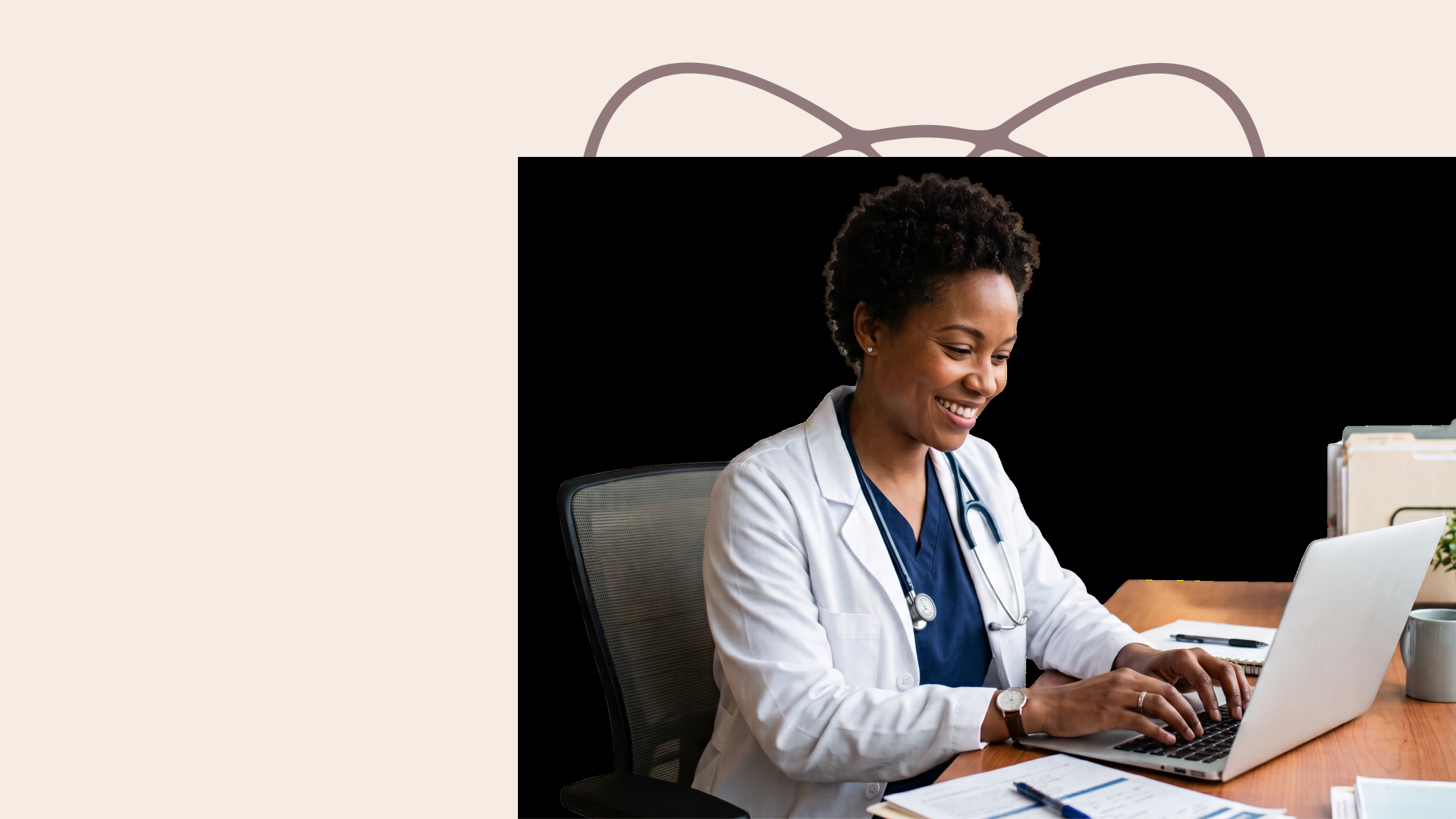
Dr. Kenneth Liu, Board-Certified Periodontist in the United States
Dictate runs across your whole desktop, so it fills Athenahealth fields as easily as it fills an email and browser form. One hotkey, and your voice goes where the cursor is.
Open your report in Word of Google Docs and talk through your findings. Heidi inserts text directly onto pages that live outside the chart, always ready for your sign-off.
Dictate through your Outlook or Gmail inbox. Speak your replies or dictate an email from scratch. Turn minutes of typing into seconds of dictation. No more catching up with emails after hours.
Keep your teams in the loop by dictating handover instructions while it’s still fresh. Nothing gets missed and context remains intact for the next clinician.
Any active field across your clinical software and forms takes your voice. Where direct input isn’t possible, Heidi gives a copy-paste format.
Whatever you specialize in, Dictate has you covered across more than 200 specialties. It's built for the way your practice actually talks, so nothing gets lost between what you say and what lands on the page.

Dictate handles the volume of primary care: notes, scripts, referrals and recalls, written as you speak, in whatever system you use.

Dictate keeps up with a full day of sessions: progress notes, risk assessments, medication reviews and letters back to the referring GP, typed straight from your voice into the field you are already in.
Answers to the questions you may ask about dictation in Athenahealth
Yes. As supported by studies, dictation is faster than typing for most clinicians. With Heidi Dictate, you can talk through visits and place your cursor in an editable field in Athenahealth, then hold your shortcut to speak. Smart dictation is the default mode, and it produces clean clinical transcripts so filler text is removed before the words reach the field. All you have to do is check before signing off the documentation.
Heidi connects with Athenahealth. Dictate is built on Heidi and it brings a hands-free voice workflow, wherever you’re working.
Simply install Heidi’s latest version, and you’re all set to dictate. Dictate simply follows your cursor and fills out any text field in Athenahealth without requiring help from IT.
Start dictating right away with no lengthy training needed. Dictate recognizes medical language from the start across 90+ languages.
Dictate with a simple press and hold. Heidi places your polished text, complete with punctuation, in any text field in AthenaOne. Hands full during an exam? Double-press to dictate hands-free.
Wherever you practice, Heidi meets regional compliance: HIPAA, GDPR, PIPEDA, the APP, POPIA and more. Safety is layered with world-class certification ISO 42001 and SOC 2. Your audio is never stored.
Here’s a quick walkthrough of how the hotkeys and verbal commands in Heidi Dictate work. If you build text macros in Athenahealth, Snippets will feel familiar. Same idea: a short trigger stands in for text you'd rather not retype. Bring across the snippets you already keep in Heidi, or add new ones in Dictate settings. Your Athenahealth macros stay exactly where they are. Snippets ride along with your voice into every field you dictate into, Athenahealth included.










Download Heidi for Mac or Windows, then enable microphone and accessibility on your device settings.
The default is Fn on Mac and right CTRL on Windows. If you’re used to a different workflow, you’re free to change it into something accessible.
Open the patient’s chart in Athenahealth and direct the cursor into any editable section, whether that’s an encounter note or a patient case.
Press your shortcut and start dictating to write or edit the visit note. Heidi produces crisp text that doesn’t need cleaning up and adds punctuation. Finalize the output before saving the note.