Use Heidi anywhere, anytime
Take Heidi with you, wherever your patients need you
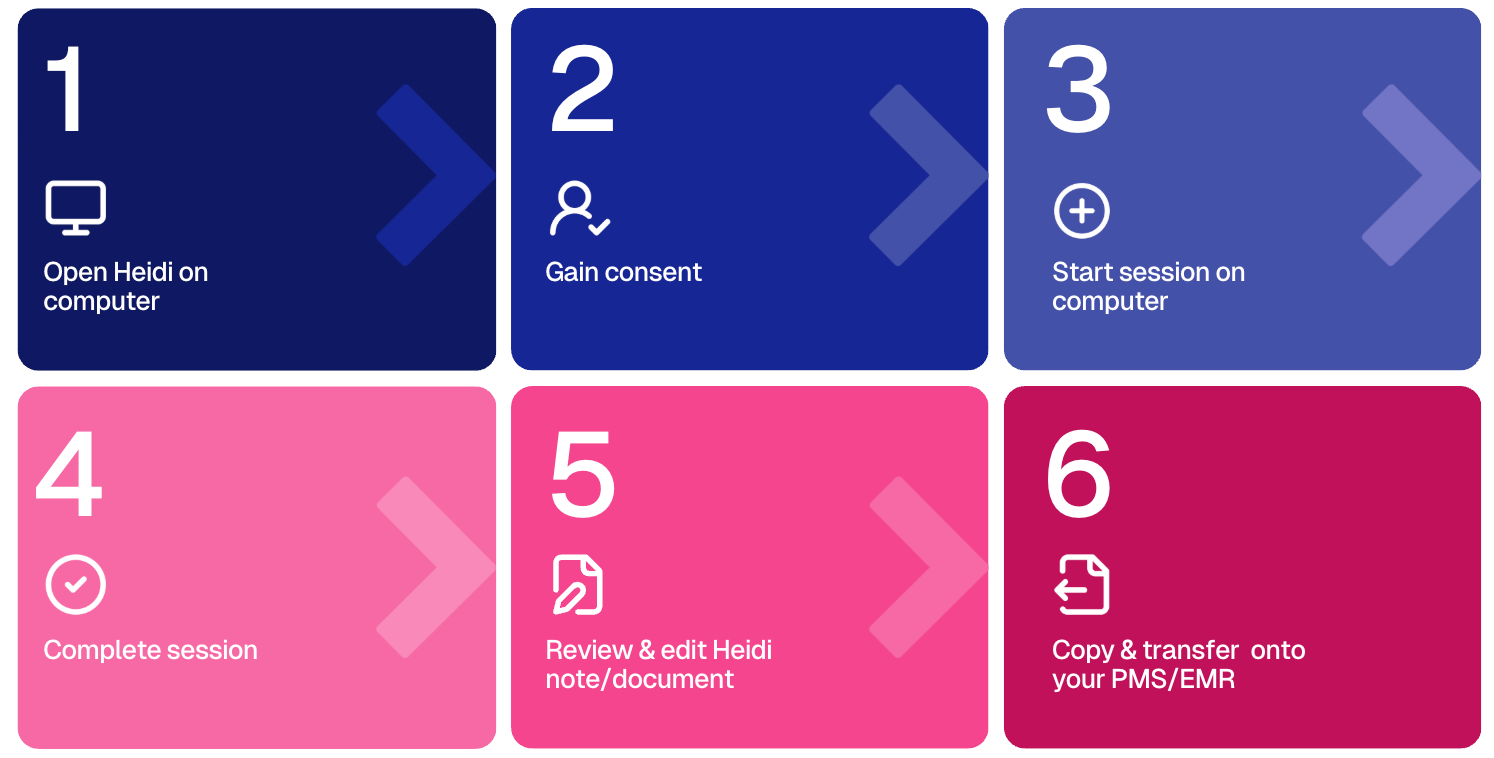
Outpatient Care
For clinics, private practices, and allied health services where patients attend scheduled appointments.
Examples: GP clinics, specialist consults, therapy sessions.
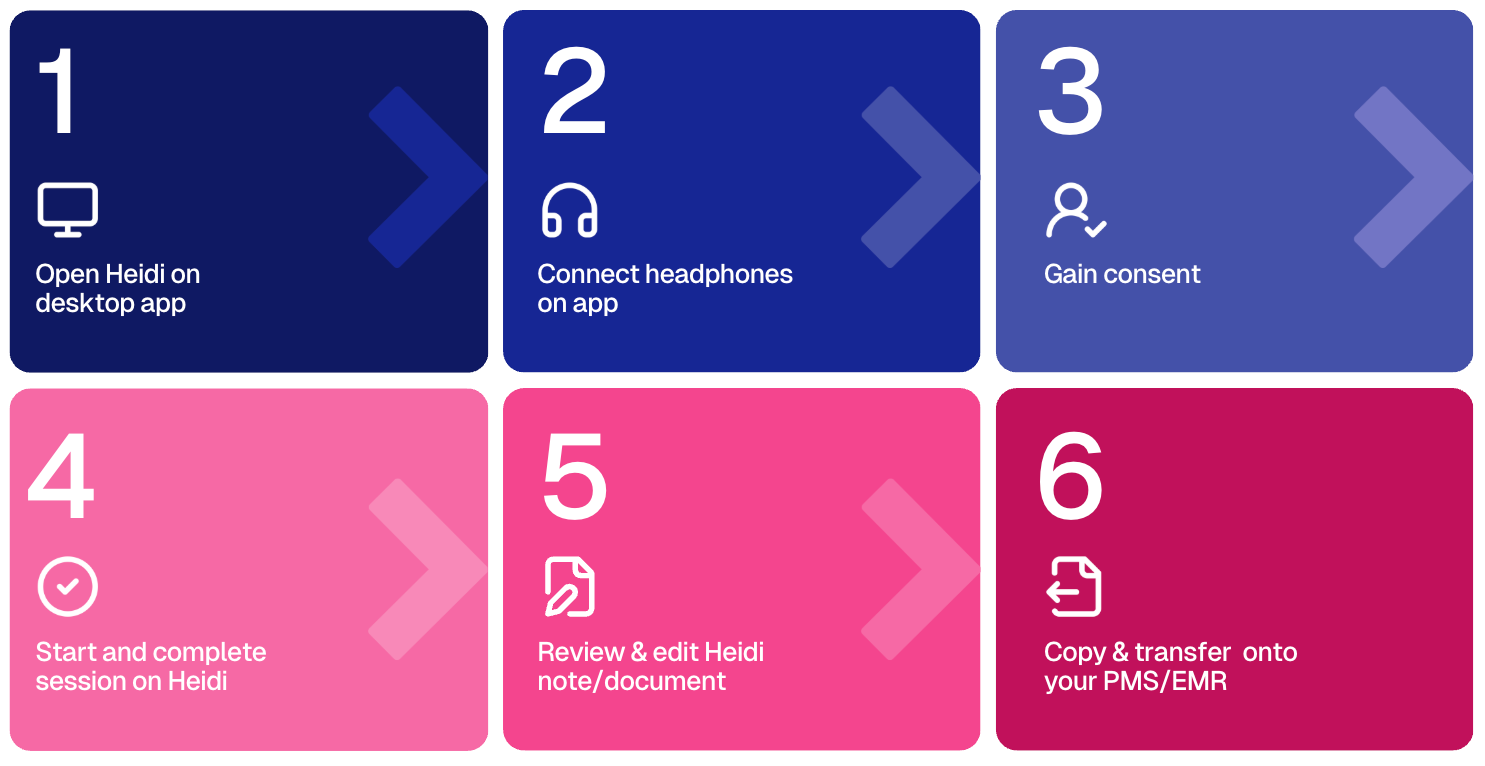
Recommended Heidi option: Desktop app, web browser
Inpatient Care
For hospitals and facilities managing admitted patients, including ward rounds and team meetings.
Examples: Bedside consults, surgical planning, hospital rounds.
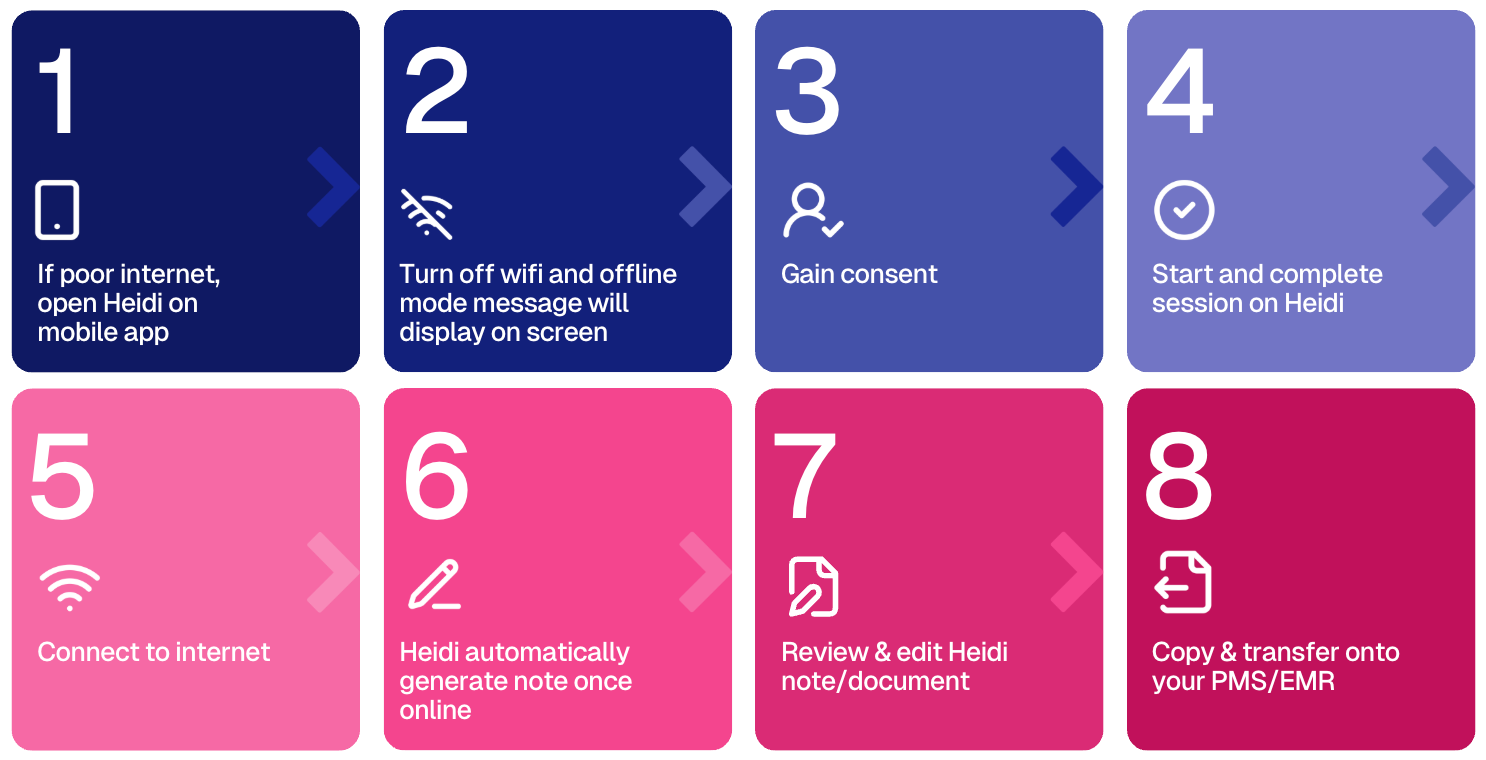
Recommended Heidi option: Mobile app
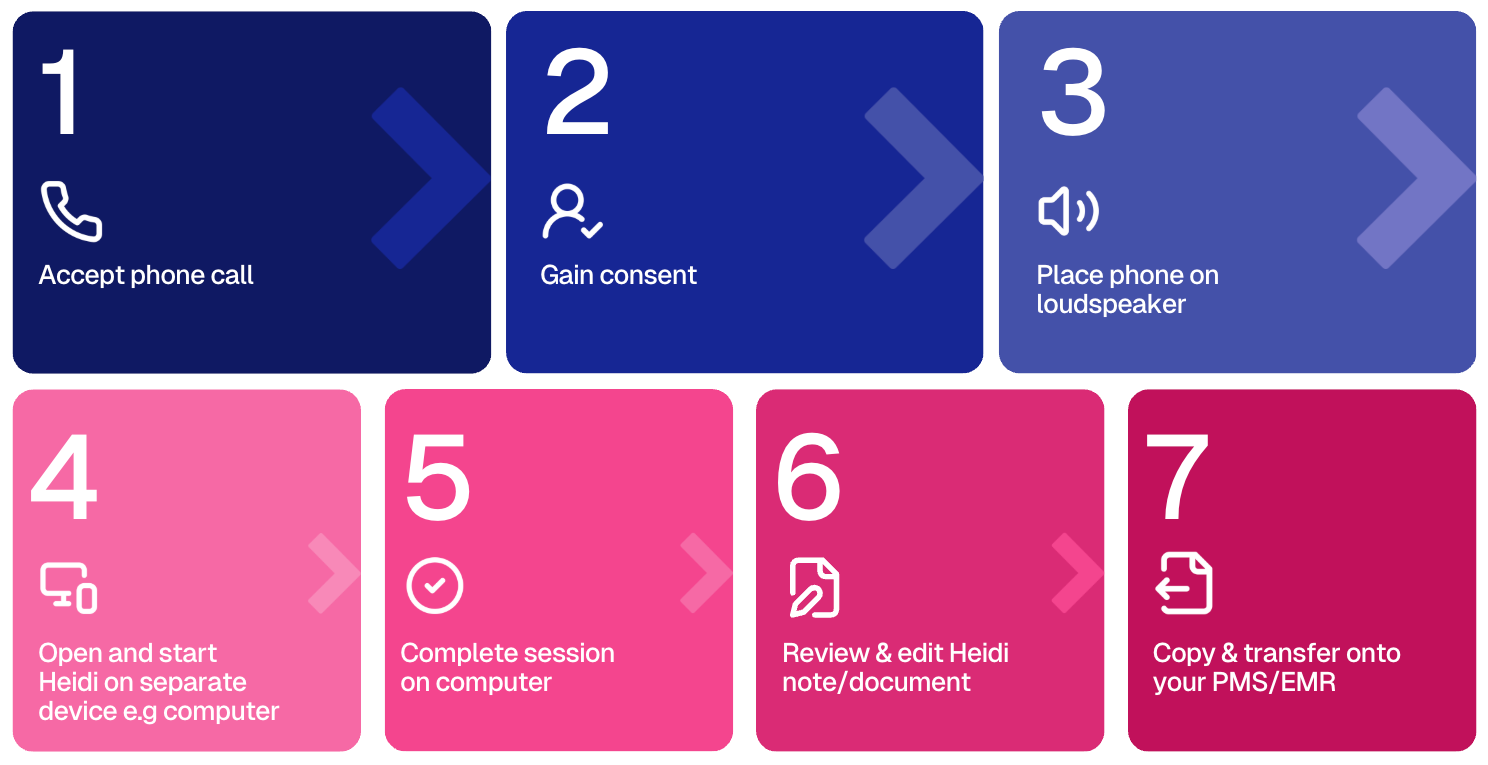
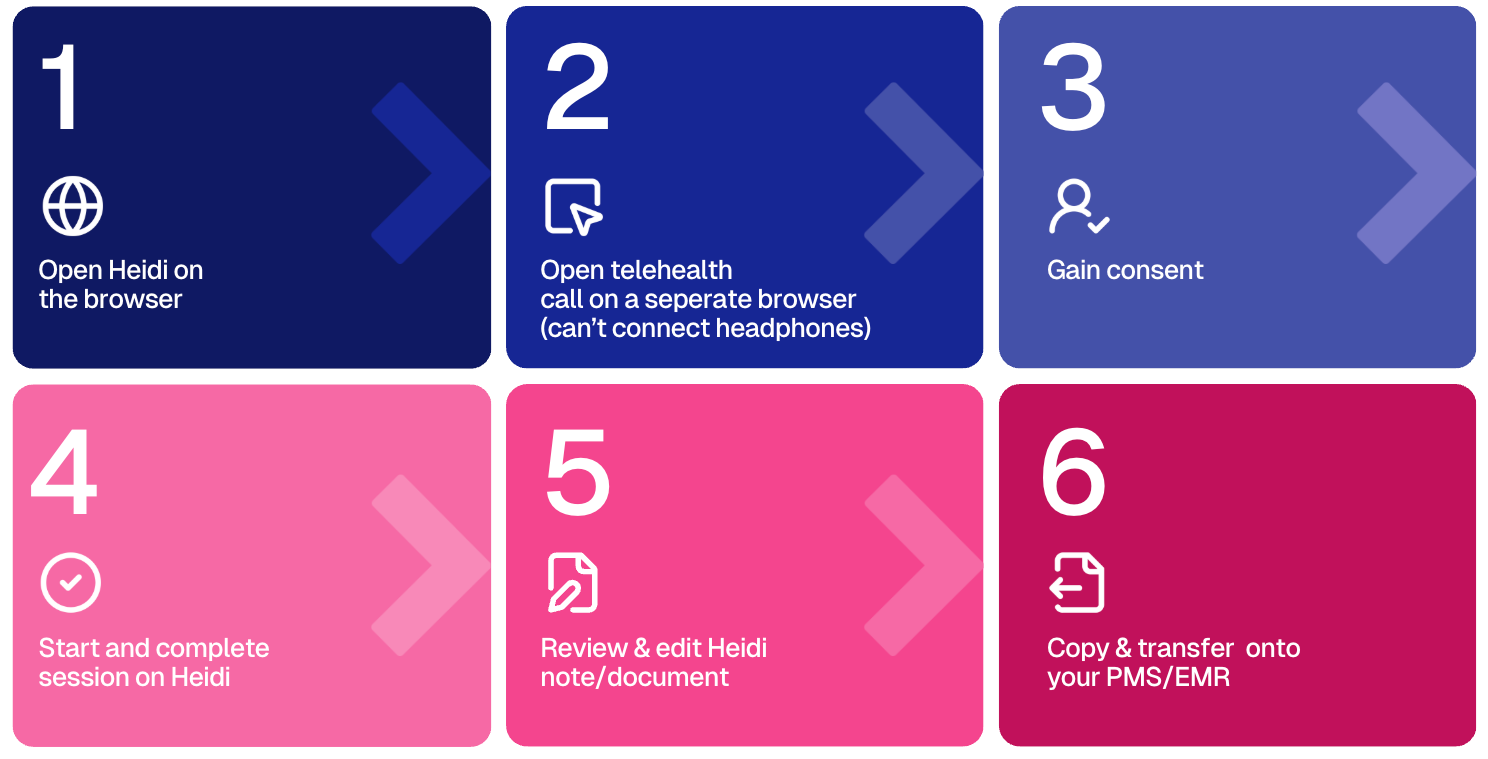
Telehealth
For remote consultations via video or phone, ideal for virtual clinics or follow-ups.
Examples: Online GP services, therapy follow-ups, triaging.
Recommended Heidi option: Desktop app
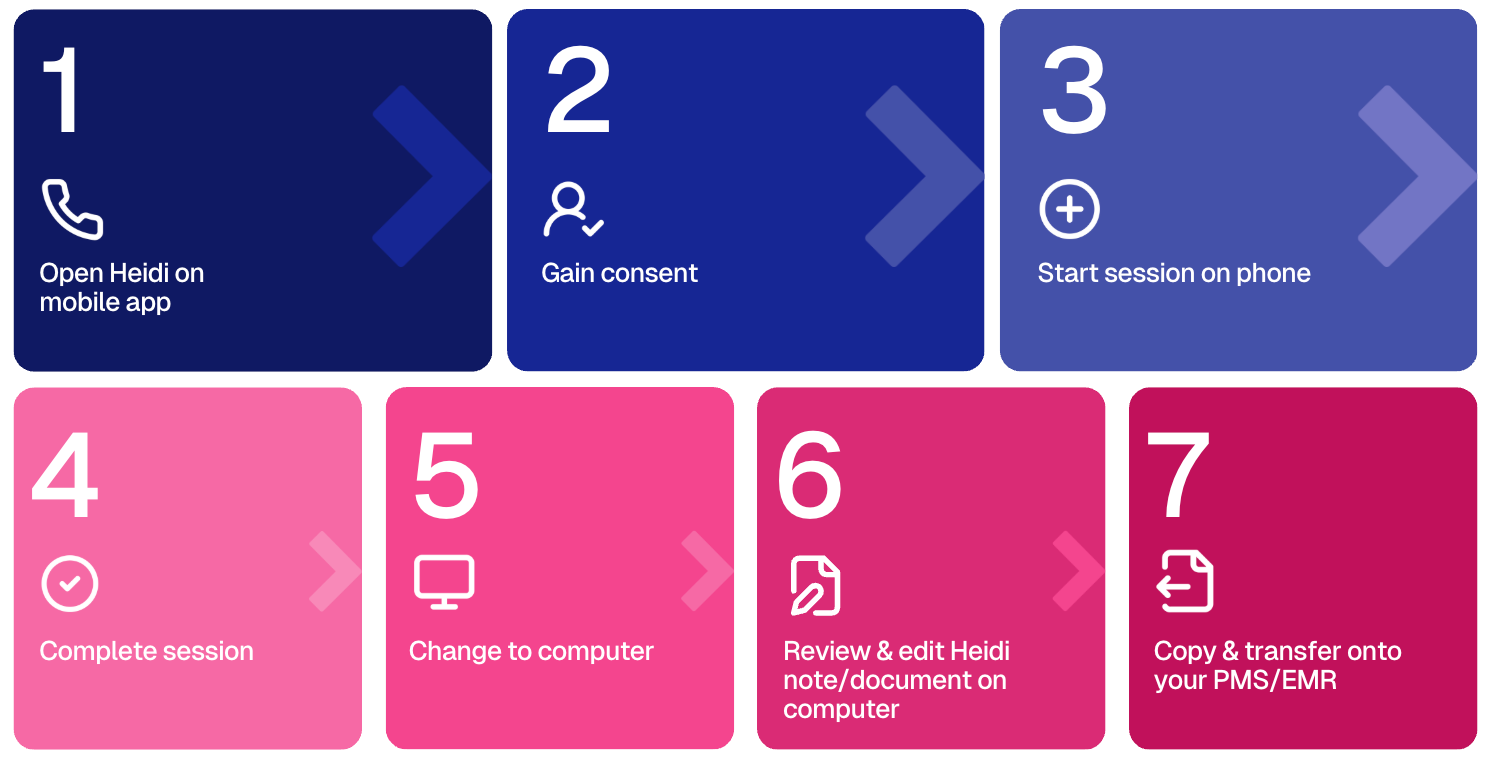
On-the-go or Mobile Care
For mobile settings like home visits, community health, or ambulance services.
Examples: Physiotherapists at home visits, paramedics, outreach clinicians.
Recommended Heidi option: Mobile app
* Whichever device you use, all sessions will sync to your Heidi account, so you can review or finalise notes later on a desktop.
Choosing the right Heidi mode for you
Heidi is available on 4 platforms, each designed to fit different clinical workflows: