Dictate anywhere on your screen, capture telehealth audio straight from the call,
and skip the second login.
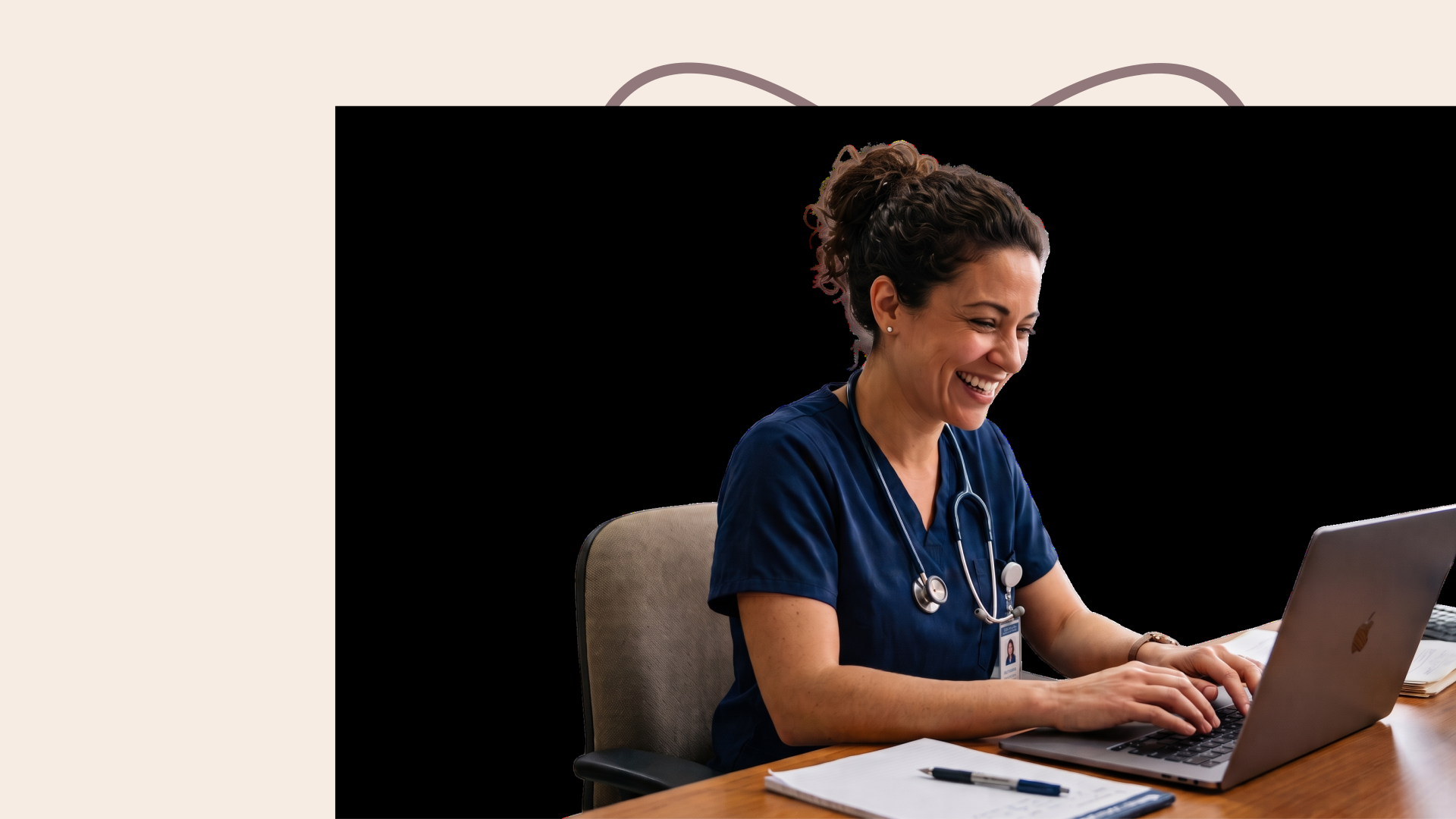
Dr. Kenneth Liu, Board-Certified Periodontist in the United States
Dictate in eClinicalWorks fields with one shortcut key across your desktop. Use it for your patient files, messages, search boxes and anywhere that needs text.
Double-press and work hands-free mode. Speak your discharge summary or procedure note in eClinicalWorks directly then stop when the note is complete without breaking your momentum.
Open Mail App or any app you use for emails, place your cursor and then hold the hotkey. Keep a clear head through the day, as Dictate replaces typing.
Directly speak handover instructions to a colleague or reminders for a patient on any app that works on mobile devices as well. Adjust your tone and structure as needed.
Any field, box you can type in or talk into, you can use Dictate with. Work across reporting software, forms, search bars, and everywhere the cursor can touch.
Whatever you specialize in, Dictate has you covered across more than 200 specialties. It's built for the way your practice actually talks, so nothing gets lost between what you say and what lands on the page.

Dictate moves with an OB-GYN day: antenatal notes, operative reports, ultrasound findings and discharge letters, written as you speak, in clinic, on the ward or wherever the note is due.

Dictate keeps up with a full vet day: patient records, treatment plans, referrals and owner updates, typed straight from your voice, wherever your cursor sits.
Important considerations before you begin using Heidi Dictate with eClinicalWorks
You can do that with Dictate without fuss. Over 90 different languages and clinical terminology are already native to Dictate, and you can set specific languages for input and output. No translation and setup for clinical terms needed; you get more done within your shift.
Heidi and eClinicalWorks already connect. Using Dictate is simple as it is built on the same Heidi platform. turning voice into words at the cursor, on any text field.
Dictation is possible wherever your cursor is: Assessment, Treatment, or other sections in eClinicalWorks. Work smoothly across your day with one voice workflow.
Dictate is native to medical vocabulary and 90+ languages. Transcribe in the language needed for documentation without the burden of manual translation.
Use verbal commands for spacing and corrections. Say a trigger phrase and surface reusable text for signoffs and other instructions; less cleanup after the visit.
Dictate adheres to HIPAA and is built on the same secure infrastructure that powers Heidi transcription. Work confidently knowing Dictate is secure and compliant for clinical use.












Download Heidi desktop app and install. From settings, allow permissions for microphone and accessibility.
Head to settings and choose how you would use Dictate: press and hold or double press to go hands-free. If the key is something already in use, replace it with something that feels more natural to you.
Open your Dictate settings and choose your default dictation method. For filling in your surgical note or patient history in eClinicalWorks, try smart dictation.
Open your EHR and click into the field you want to fill. Go for word-per-word dictation settings to fill concise clinical detail fields quickly.