Heidi powers the largest AI scribe procurement in NHS history. 70,000 Clinicians. 15 NHS Trusts. 1,200+ GP Practices. Learn more.

Heidi AI
Log inGet Heidi free
alt
alt

Resources

  • Blogs

  • Explainers

  • FAQs

  • Progress Notes

  • Podcast

  • AI Tools

Why Heidi

  • Impact

  • Awards and Recognition

  • Evaluating Heidi

  • Patient Experience

Compliance

  • Trust Center

  • GDPR

  • HIPAA

  • AU/NZ

  • UK

  • Canada

Support

  • Help Centre

  • Heidi Guides

  • System Status

  • System Requirements

  • Contact Us

Legal

  • Privacy Policy

  • Terms of Service

  • Usage Policy

  • UKGDPR Policy

  • Accessibility

  • AI Instructions

imxYAA

© 2026 Heidi. All rights reserved.

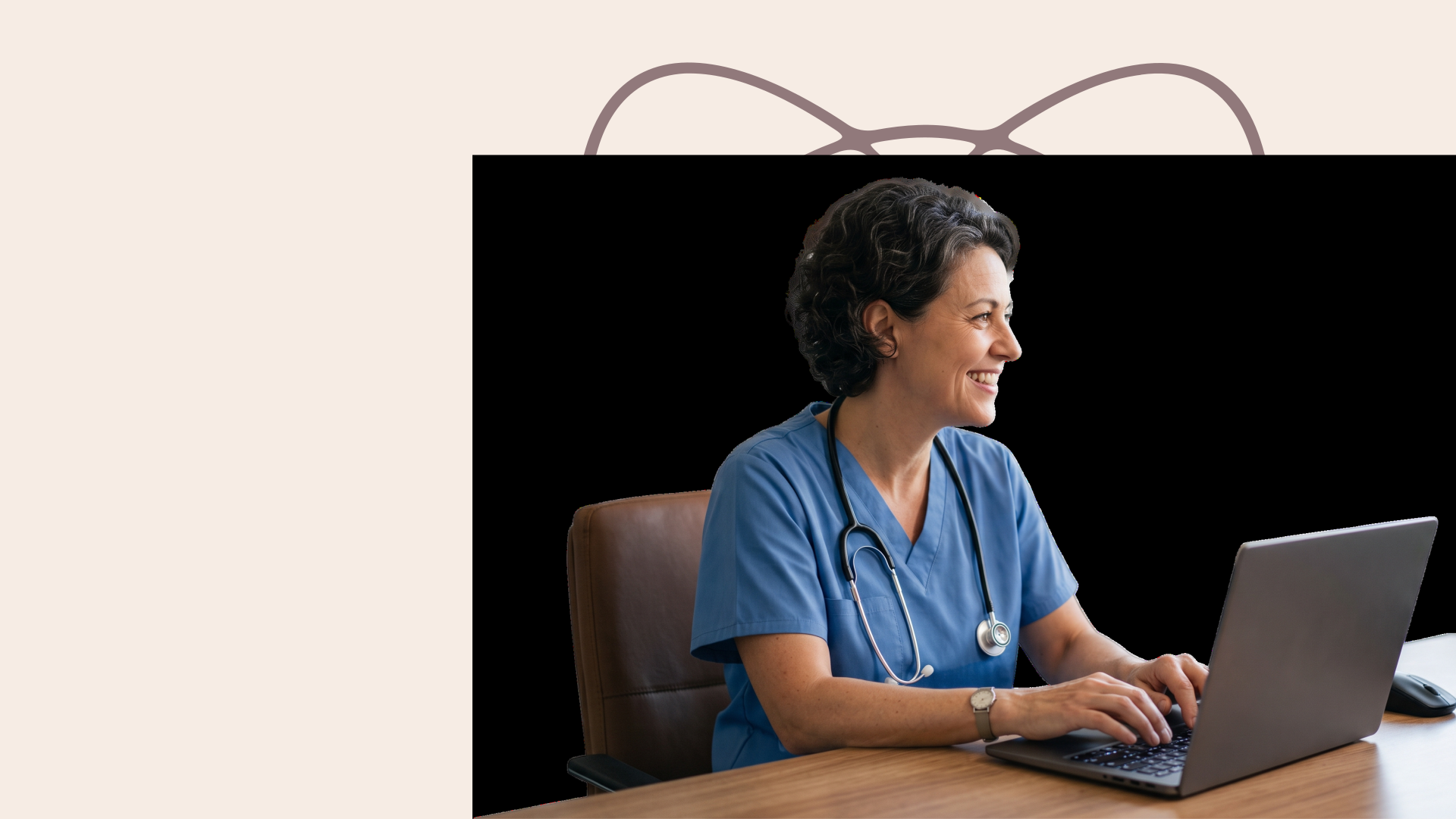
Heidi Desktop goes where the browser can’t.

Dictate anywhere on your screen, capture telehealth audio straight from the call,
and skip the second login.
Download for macOSDownload for Windows
Veradigm Dictation
Heidi Dictate

Veradigm Dictation

Heidi Dictate brings clinical-grade dictation to Veradigm workflows. Hold a key, speak and your visit notes will appear in whichever field you’re working in across Veradigm EHR and PracticeFusion. No need to train voice profiles because Dictate is built on Heidi’s clinical models for accurate medical terminology.

Get Heidi Desktop App →
Veradigm Dictation

"The fact that it works across every application, not just Heidi, makes it incredibly useful. Instead of jotting notes between patients so I don't forget, I just verbalize straight into a text editor and move on. It saves so much time, and I'm already finding new places to use it: my EHR, to-do lists, emails, and messages.”

Dr. Kenneth Liu, Board-Certified Periodontist in the United States

Get Heidi Desktop App →
blurred field background image

Start dictating into any Veradigm field with Heidi Dictate

Get Heidi Desktop App →

Dictation that works across your desktop

Dictate outside Heidi and Veradigm. Click anywhere you can type, hold the hotkey and speak. Wherever the cursor goes, your voice follows.

Discharge summaries

Dictate your summaries from scratch or edit them while the information is still fresh. Format stays intact with complete details from the visit. Your patient leaves with paperwork in hand.

Emails

Respond to emails by speaking instead of typing. Clear your inbox on Gmail or Outlook without correspondence piling up after work.

Messages

Updates to your colleagues or patients go out as fast as you can say them without touching the keyboard. You speak, and Heidi Dictate does the rest for you.

Any editable field across your workspace

Forms and everything else where text can be inserted are covered by the hotkey. Your voice works across every app on your desktop.

Dictation by Specialty

Whatever you specialize in, Dictate has you covered across more than 200 specialties. It's built for the way your practice actually talks, so nothing gets lost between what you say and what lands on the page.

neurologist using dictation

Neurology Dictation

Dictate carries the detail neurology runs on: exam findings, imaging correlation, long-term management plans and referral letters, written as you speak, without leaving the record you are already in.

Explore Neurology Dictation
Doctor dictating obstetric consultation notes

OB-GYN Dictation

Dictate moves with an OB-GYN day: antenatal notes, operative reports, ultrasound findings and discharge letters, written as you speak, in clinic, on the ward or wherever the note is due.

Explore OB-GYN Dictation

Veradigm Dictation FAQs

Common clinician queries about Veradigm dictation

No. There’s nothing to configure or set up if you work on Veradigm. Install Heidi on your desktop, grant accessibility then dictate into any editable field in and outside Veradigm. Less typing, more time for care.

Showing 5 of 5 questions

Why dictate into Veradigm with Heidi

Your notes and dictation come from one Heidi platform. In Veradigm, that means any field where your cursor points takes your voice, no extra work needed.

Get Heidi Desktop App →

Skip the heavy setup in Veradigm

Heidi Dictate complements your existing Veradigm setup. All editable fields can be filled out with just a point of your cursor.

Fluent in medical language

No need to import or upload clinical terms. Start dictating through your visits in any language you like. Dictate supports 90+ languages with the text accurate from the first sentence.

One key replaces the keyboard

Hold a key and talk instead of typing wherever you’d type in Veradigm. Texts show up punctuated and readable. A double-press is all it takes if you want hands-free dictation.

The first AI scribe with ISO 42001

Heidi is the first AI scribe to be certified with ISO 42001. We are also accredited with SOC 2 Type 2, ISO 27001 and more to uphold the highest standards for safety and quality for healthcare.

See Heidi Dictate in use

The video runs through the hotkeys and voice commands. It also covers snippets, which save you time from repeating sentences you say every day. Your existing Heidi snippets come with you automatically without changing anything in your Veradigm workflow.

Get Heidi Desktop App →
Ready for the safety Veradigm workflows demand
HIPAA Compliant
SOC 2 Compliant
RGPD Compliant
Cyber Essentials Certified
APP Compliant
NZ Info Privacy Principles
ISO 42001 Certified
UK Conformity Assessed
27001 Certified
TX-RAMP Compliant
PIPEDA Compliant
NHS Compliant
PDPA Compliant
PDPO Compliant
POPIA Compliant
T.G.V Certification
HIPAA Compliant
SOC 2 Compliant
RGPD Compliant
Cyber Essentials Certified
APP Compliant
NZ Info Privacy Principles
ISO 42001 Certified
UK Conformity Assessed
27001 Certified
TX-RAMP Compliant
PIPEDA Compliant
NHS Compliant
PDPA Compliant
PDPO Compliant
POPIA Compliant
T.G.V Certification
HIPAA Compliant
SOC 2 Compliant
RGPD Compliant
Cyber Essentials Certified
APP Compliant
NZ Info Privacy Principles
ISO 42001 Certified
UK Conformity Assessed
27001 Certified
TX-RAMP Compliant
PIPEDA Compliant
NHS Compliant
PDPA Compliant
PDPO Compliant
POPIA Compliant
T.G.V Certification
HIPAA Compliant
SOC 2 Compliant
RGPD Compliant
Cyber Essentials Certified
APP Compliant
NZ Info Privacy Principles
ISO 42001 Certified
UK Conformity Assessed
27001 Certified
TX-RAMP Compliant
PIPEDA Compliant
NHS Compliant
PDPA Compliant
PDPO Compliant
POPIA Compliant
T.G.V Certification
Start Veradigm dictation in four steps

How to use Heidi Dictate for Veradigm dictation

Download Heidi Dictate on desktop and start speaking your notes in Veradigm.
Get Heidi Desktop App →

Get the Heidi app

Heidi is available for both Mac and Windows. Enable the microphone and accessibility access to start simplifying your workflow.

Set your preferred hotkey

You can choose between the default keys, Fn on Mac or right CTRL on Windows. Swap in any key that suits your preference better.

Pick any field on Veradigm

Drop your cursor into any field on Veradigm. Your text will appear exactly where the cursor is. Less copying and pasting between windows.

Press, speak, skip the typing

Heidi’s smart dictation removes filler words and adds punctuation in your notes. Set it if you don’t want to dictate word-for-word. All you need to do is check the information before you finalize.

Clinicians worldwide use Heidi in more than 2.8 million patient visits weekly.
Bupa
University of Queensland
The Ohio State University
Beth Israel Lahey Health Logo
Swiss Medical Network
Eucalyptus Logo
Greencross Vets
QLD Children Hospital
Sue Ryder
Tamaki Health
Bupa
University of Queensland
The Ohio State University
Beth Israel Lahey Health Logo
Swiss Medical Network
Eucalyptus Logo
Greencross Vets
QLD Children Hospital
Sue Ryder
Tamaki Health
Bupa
University of Queensland
The Ohio State University
Beth Israel Lahey Health Logo
Swiss Medical Network
Eucalyptus Logo
Greencross Vets
QLD Children Hospital
Sue Ryder
Tamaki Health
Bupa
University of Queensland
The Ohio State University
Beth Israel Lahey Health Logo
Swiss Medical Network
Eucalyptus Logo
Greencross Vets
QLD Children Hospital
Sue Ryder
Tamaki Health