Dictate anywhere on your screen, capture telehealth audio straight from the call,
and skip the second login.
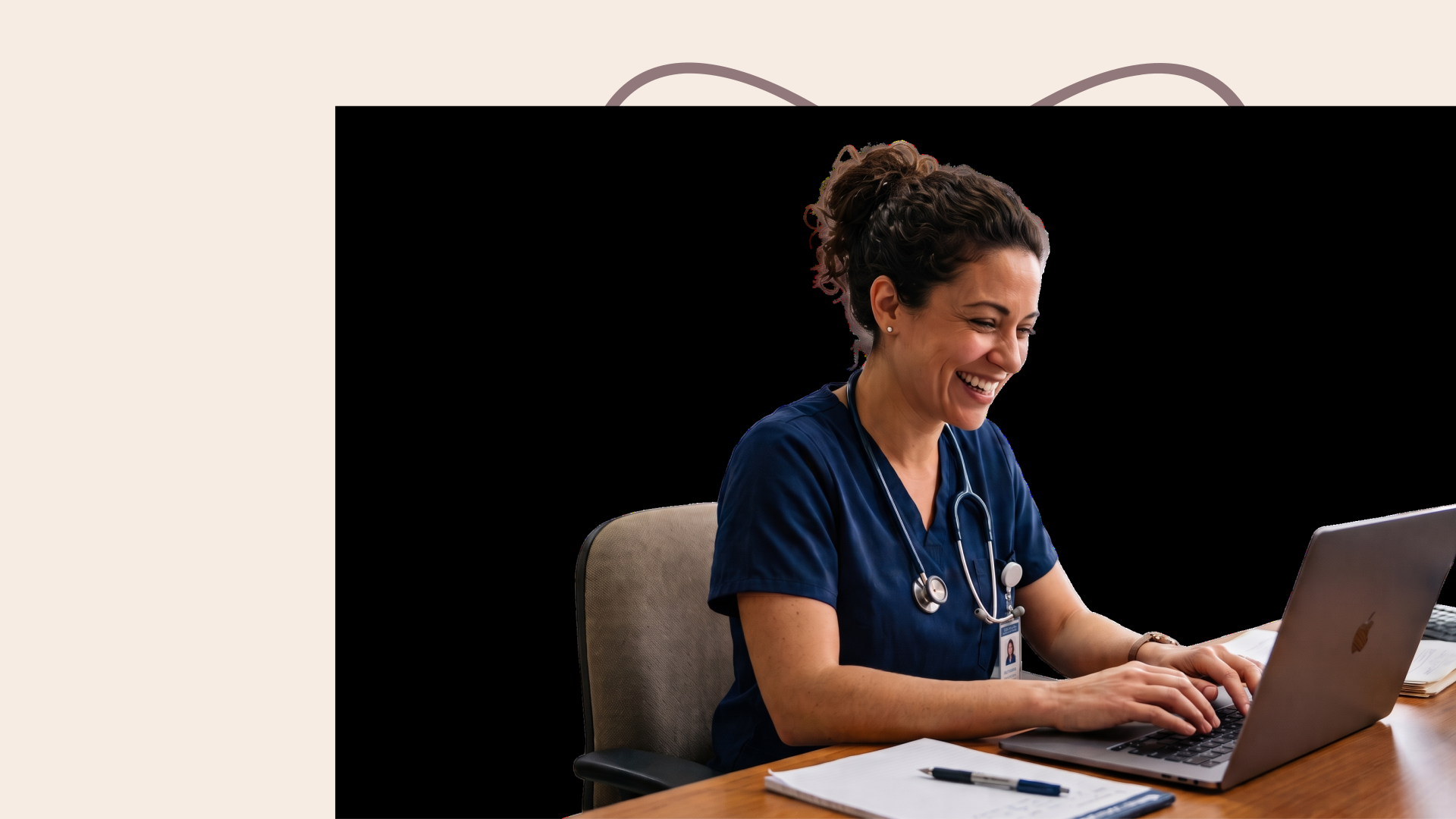
Dr. Kenneth Liu, Board-Certified Periodontist in the United States
Heidi Dictate works the same everywhere, not just in Epic systems. It goes wherever your cursor goes: click anywhere you’d normally type into, press the hotkey, say the words, and they appear right there.
Click into Google Docs or a Microsoft Word document, speak the letter, and you’re done. Skip the retyping.
Whether in Outlook, Gmail, or whichever email app, just click into it and talk. Faster than typing them out.
Dictate a quick handover to a colleague in Teams or on your phone-linked app. No typing between patients.
Reporting software, PACS viewers, forms, search bars. Any box you can type in, you can talk into.
Whatever you specialize in, Dictate has you covered across more than 200 specialties. It's built for the way your practice actually talks, so nothing gets lost between what you say and what lands on the page.

Dictate keeps pace with the list: op notes, post-op orders, discharge summaries and clinic letters, written as you speak, between cases or straight after you scrub out.

Dictate carries the detail neurology runs on: exam findings, imaging correlation, long-term management plans and referral letters, written as you speak, without leaving the record you are already in.
Answering questions you might have before using Heidi to dictate into Epic systems
Heidi holds ISO 27001, ISO 42001 and SOC 2 Type II, independently assessed and renewed annually, plus Cyber Essentials Plus in the UK, and is compliant with HIPAA and GDPR. Data is encrypted in transit with TLS 1.2+ and at rest with AES-256. Access is role-based, least-privilege, and reviewed. You can allow Heidi to store dictations so you can verify accuracy, but you can also turn off your dictation log. Stored entries can be deleted individually or cleared entirely as well.
Heidi already works inside the Epic chart. Dictate is the same platform at the cursor, with nothing more to set up.
Dictate writes wherever your cursor sits: no additional builds within Epic, no per-site setup needed. Just install the Heidi desktop app and start dictating.
Medical vocabulary already built in. No voice profile, no reading a script before you begin. AI-powered dictation in 90+ languages out of the box.
Notes, order comments, in-basket replies. Press, speak, release, and the text lands, punctuated and cleaned up. Double-press for hands-free dictation.
ISO 42001, ISO 27001, SOC 2 Type II, and more. You're in control of your data: dictation history is there when you need it and gone the moment you delete it.
Watch a quick walkthrough of Heidi Dictate: the hotkey, snippets that turn a short trigger into a full block of text, verbal commands that follow how you talk, and output that adapts wherever you’re dictating into (formal for your EMR documentation or casual for a colleague message, among others)
















on Mac or Windows and grant microphone and accessibility permissions.
Select whether Fn key on Mac or right-hand CTRL key on Windows. You can also reset it if it clashes with something else you already use.
Put your cursor anywhere the text should go: telephone encounters, problem lists, patient instructions, etc. Dictate writes where your cursor is.
Smart dictation strips filler words and formats punctuation for you. If your cursor isn't active in any field, just click "copy to clipboard" then paste the dictation wherever you want.